LabelSoft intelligent upgrade
AI recognizes photos and generates labels:
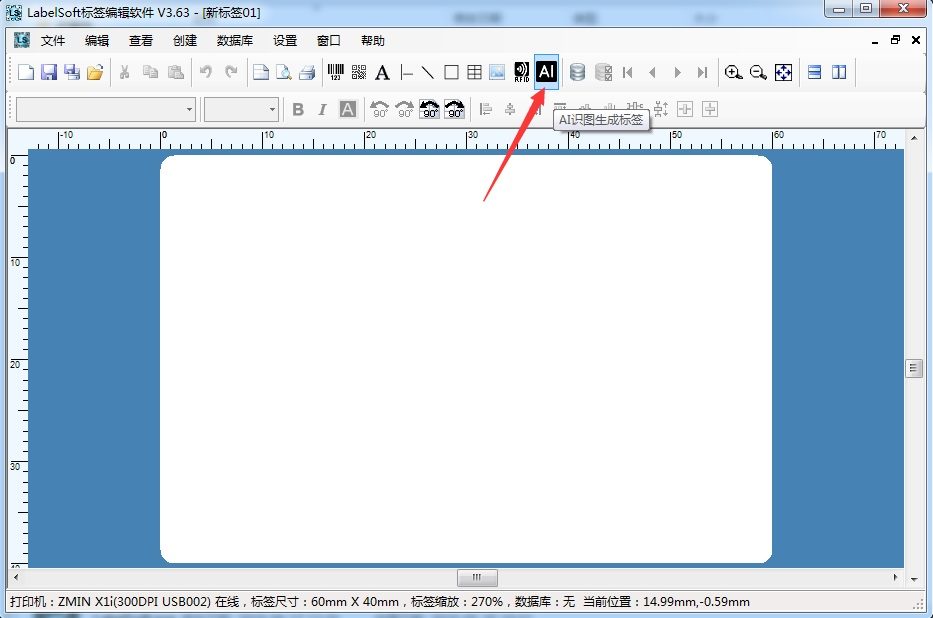
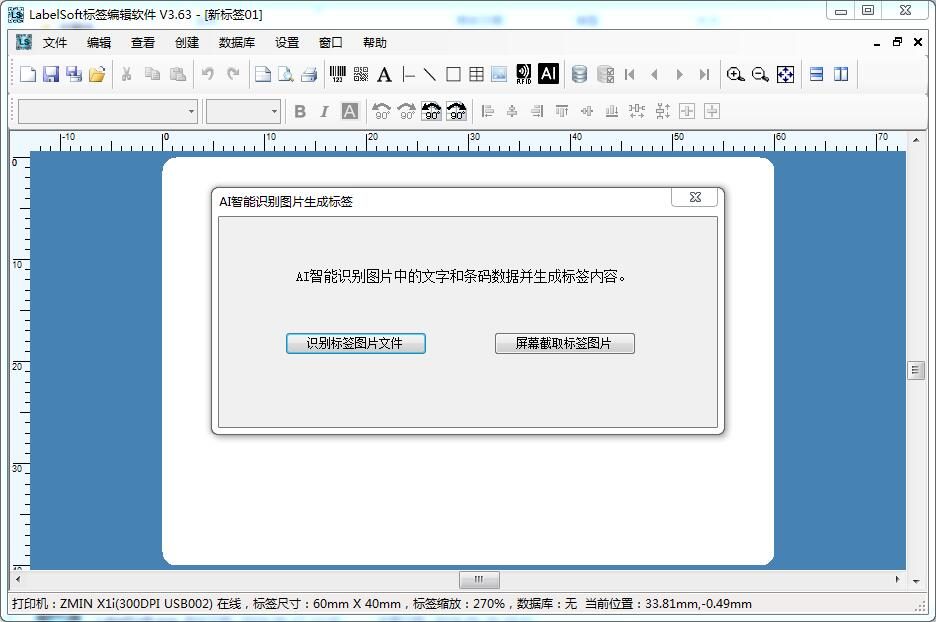
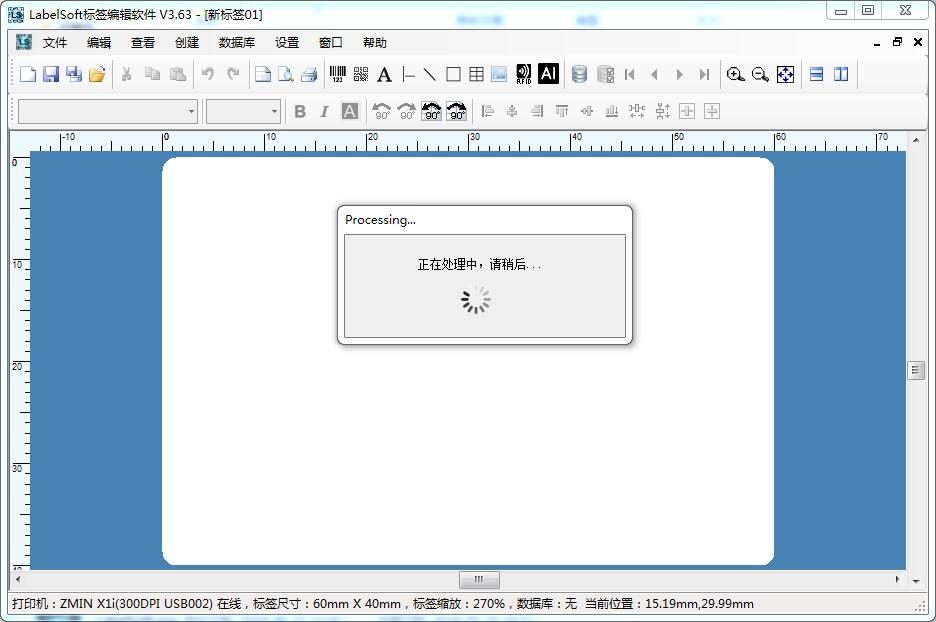
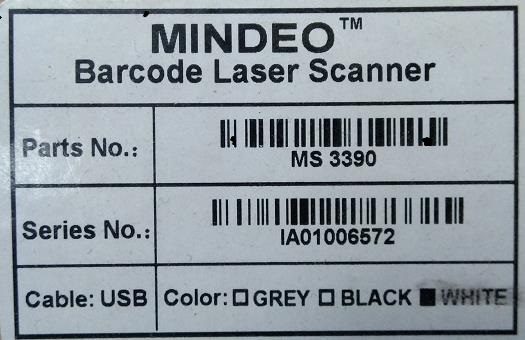
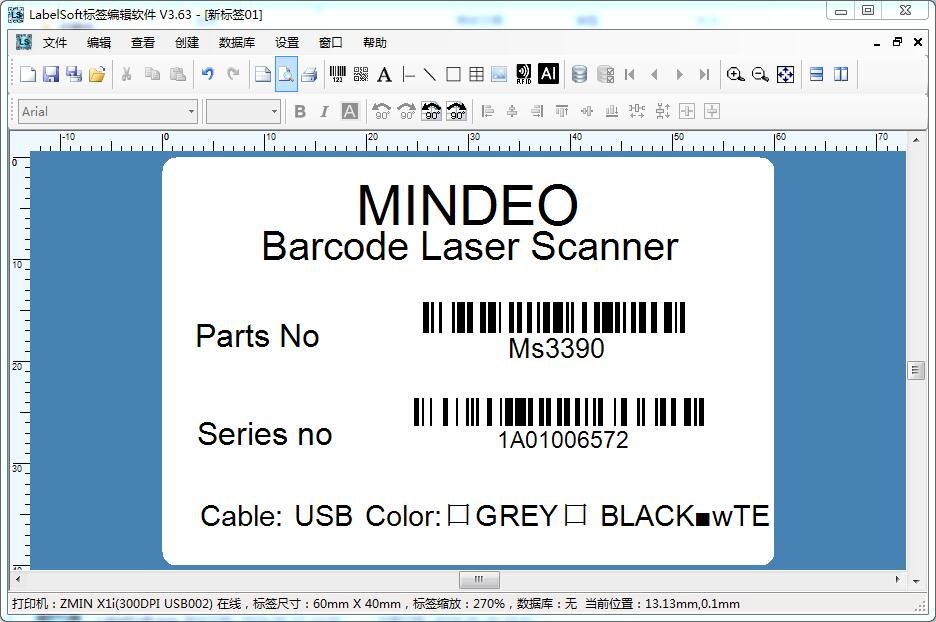
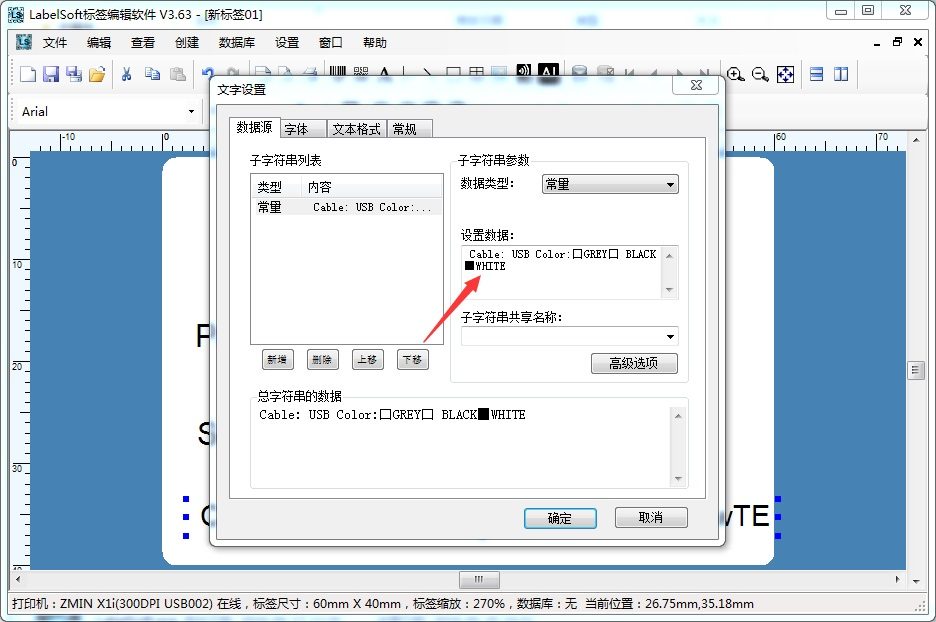
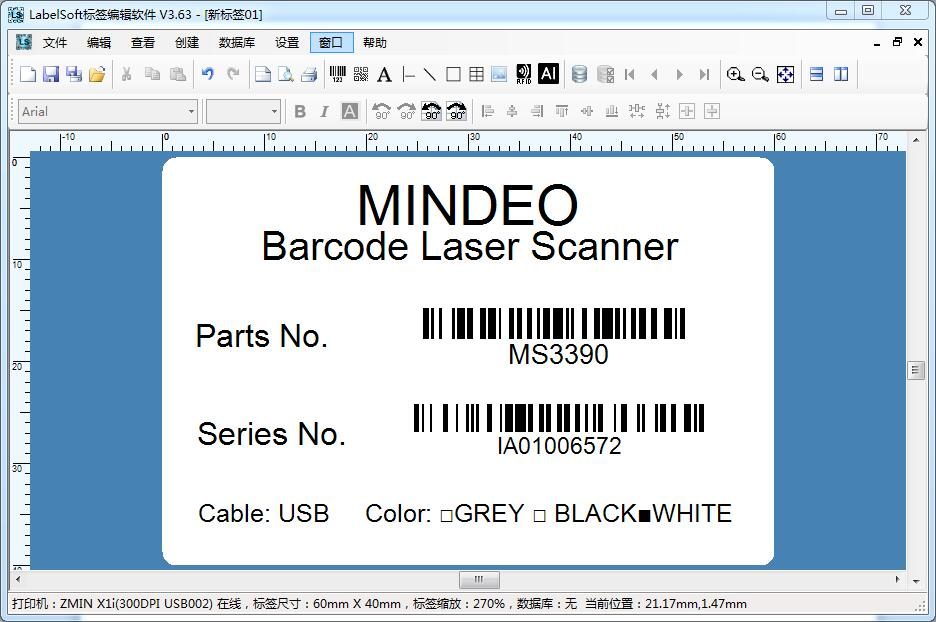
Take a photo of a label and let LabelSoft automatically generate an editable label from the photo content, including text and barcodes. This incredible feature is brought to you by LabelSoft label editing software with intelligent AI and big data! Upgrade to the latest version, click the AI icon, and import an image or screenshot to witness the miracle.
Command-line printing and value passing: LabelSoft versions 3.63 and later support command-line printing, value passing, and setting the print quantity. Command-line format: LabelSoft.exe filepathname [/P:"Printer Driver Name"] [/V:"var1::value1||var2::value2"]
[/N:printnum] [/C:copynum] Parameter description: filepathname specifies the lsf file name. /P:"Printer Driver Name" specifies printing with a certain printer driver name; if not specified, the one saved in the lsf file is used.
printer name. /V:"var1::value1||var2::value2" passes values to variables already named in the document (substring shared names); you can pass a
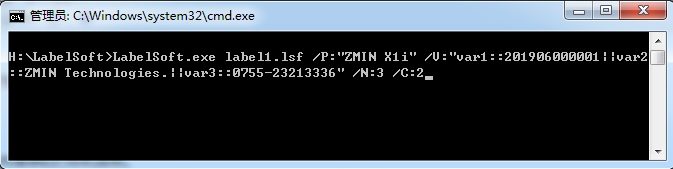
single value or multiple values. Variable names and values are separated by "::", and variables are separated by "||". /N:printnum specifies the print quantity; if not specified, the last print quantity recorded in the lsf document is used. /C:copynum specifies the number of copies; if not specified, the last copy count recorded in the lsf document is used. Example: C:\LabelSoft>LabelSoft.exe label1.lsf /P:"ZMIN X1i" /V:"var1::201906000001||var2::ZMIN Technologies.
"||var3::0755-23213336" /N:3 /C:2 In this example, LabelSoft.exe opens the label1.lsf document for printing; the printer name selected for printing is ZMIN X1i,
the print quantity is 3, and the number of copies is 2. After opening the label1.lsf document, the variable with substring shared name "var1" is assigned: 201906000001;
the variable with substring shared name "var2" is assigned: ZMIN Technologies.;
the variable with substring shared name "var3" is assigned: 0755-23213336