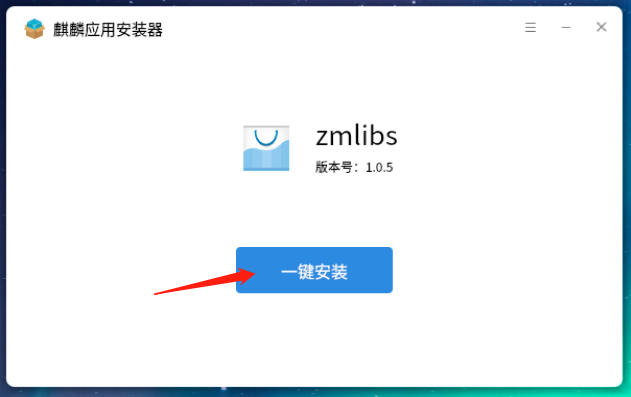
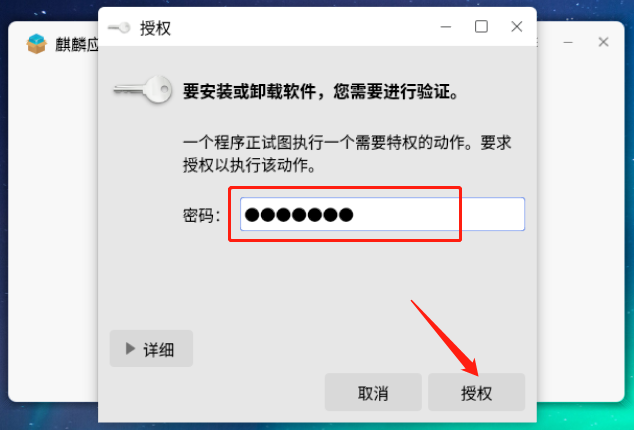
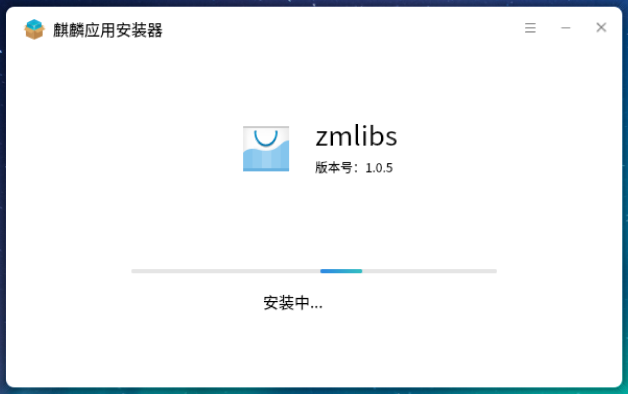
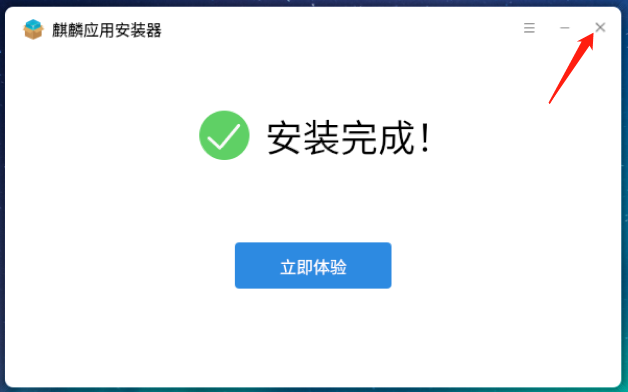
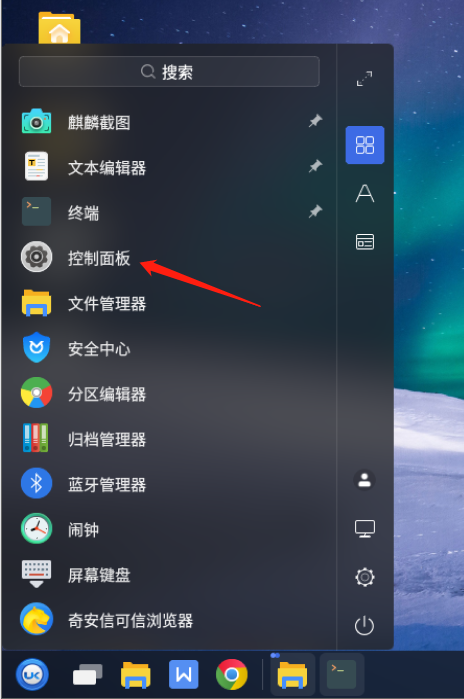
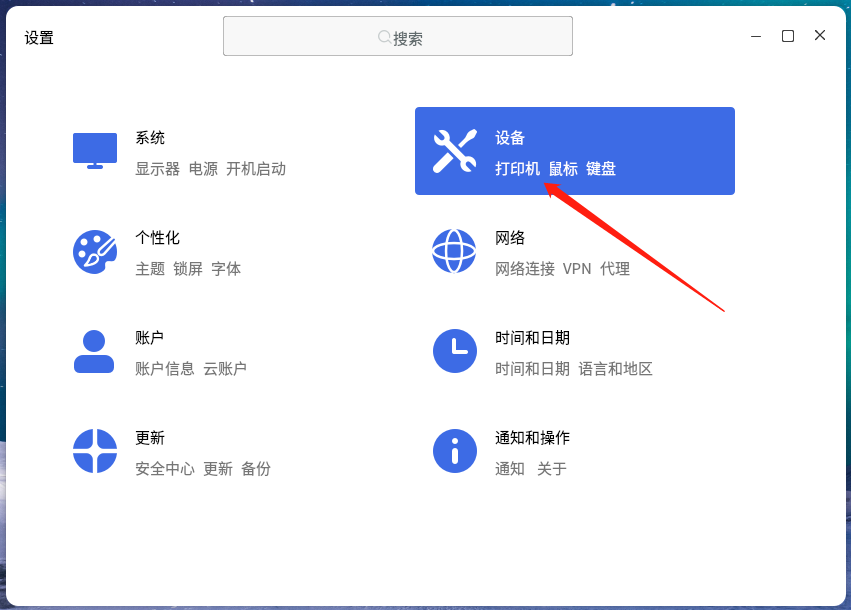
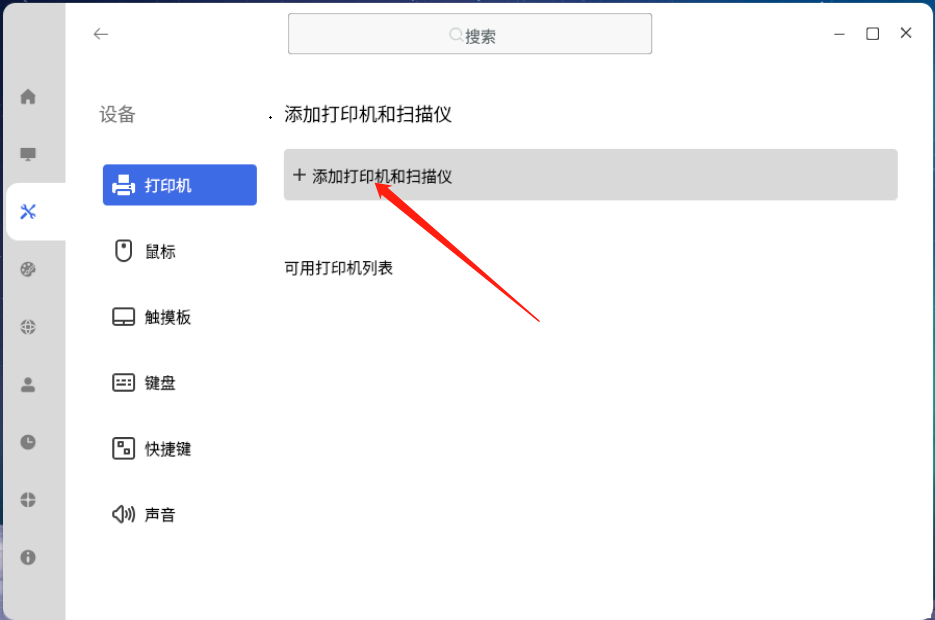
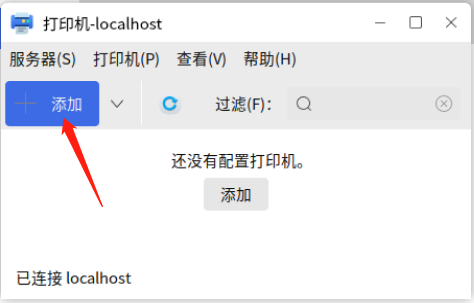
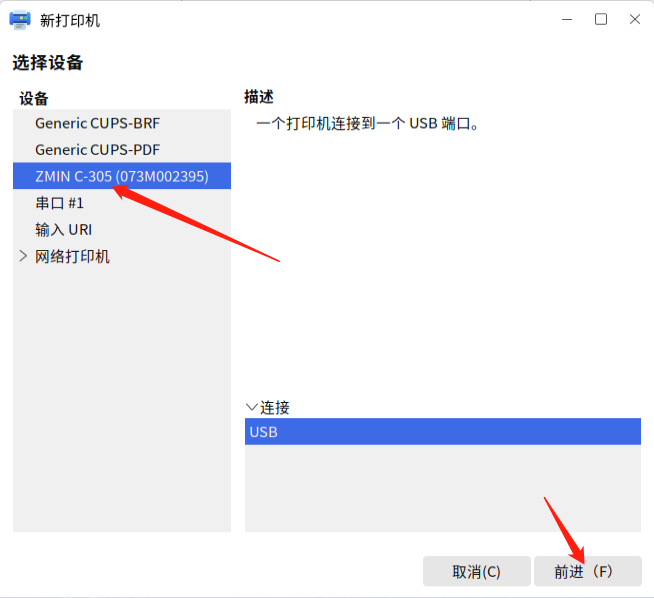
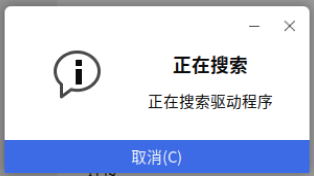
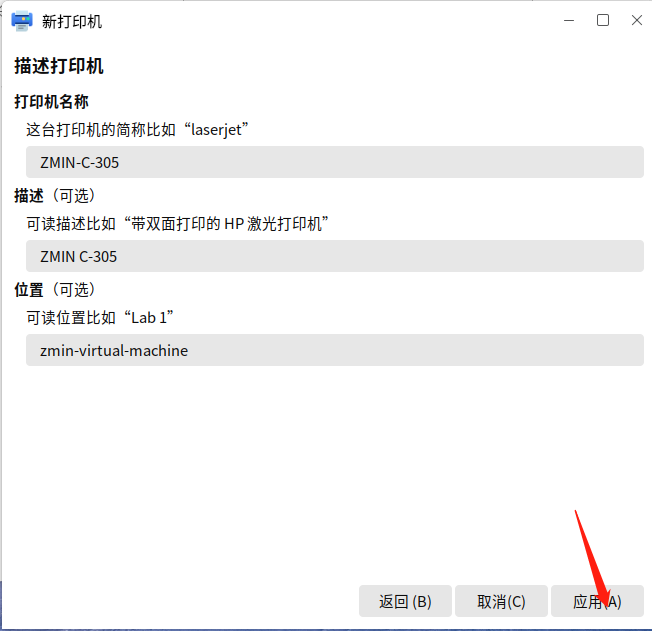
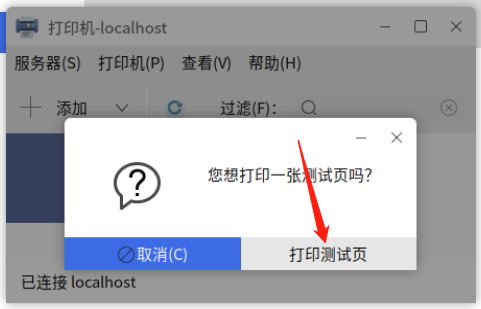
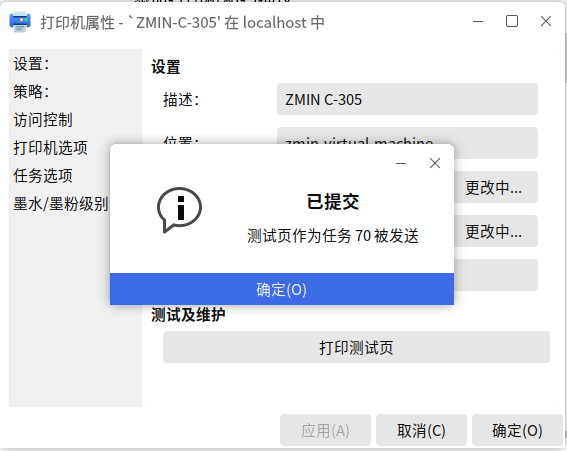
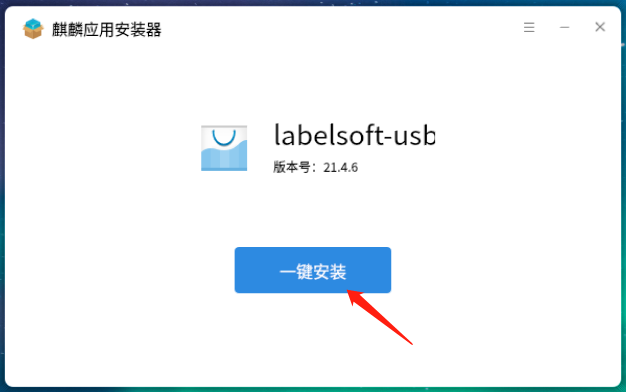
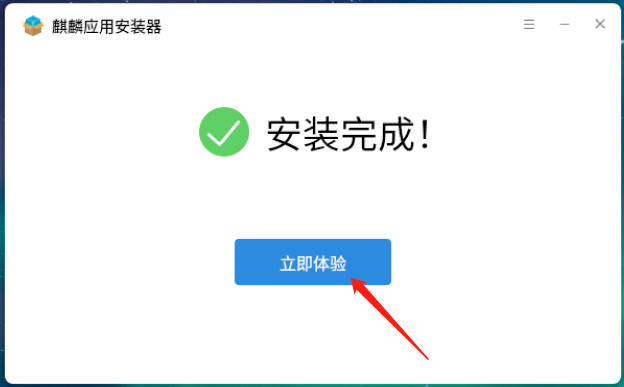
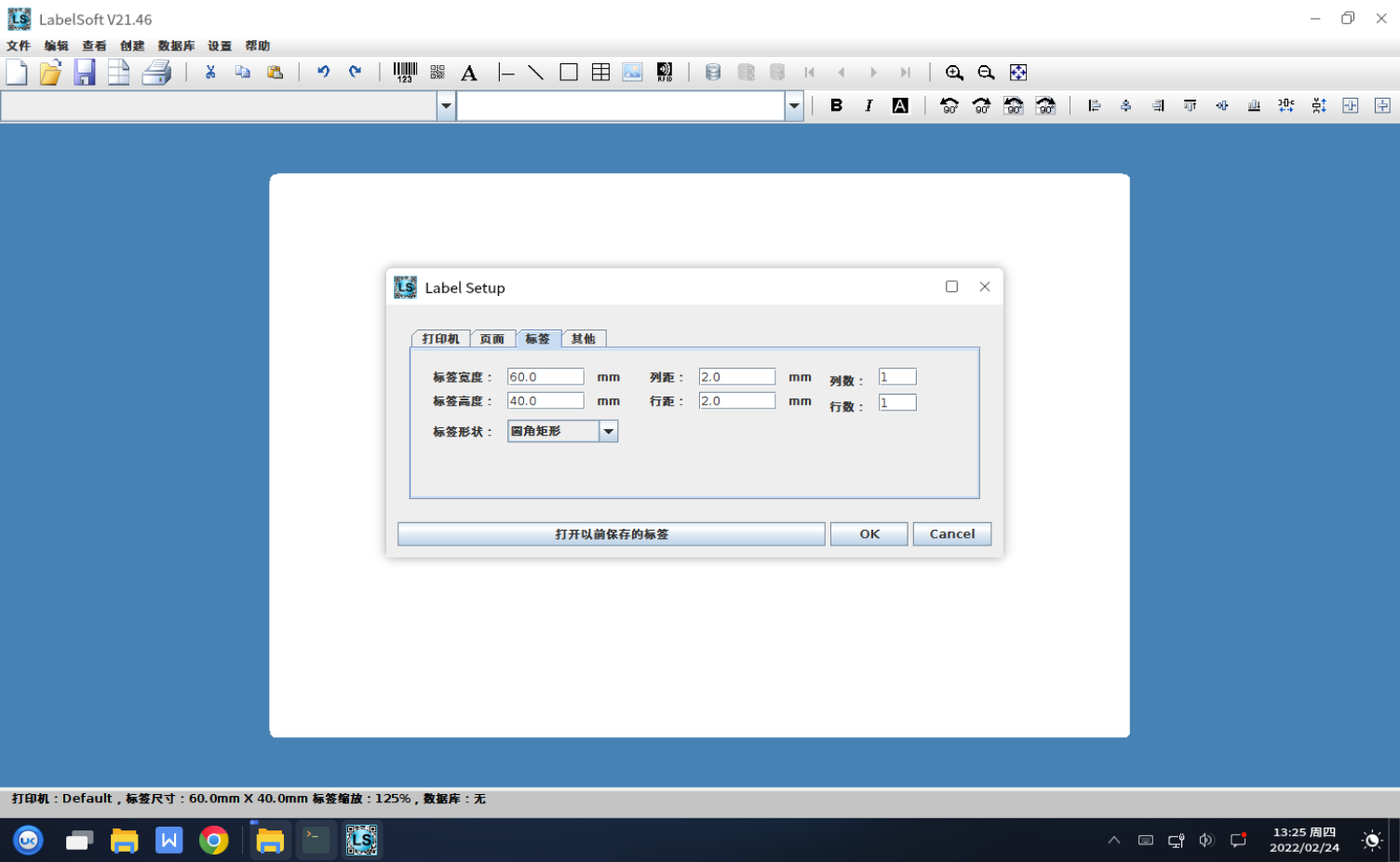
Steps to use a ZMIN barcode printer on a domestic operating system. The following uses Kylin Desktop Operating System V10 as an example. Step 1: Install the software environment and driver package: zmlibs. DEB package file name description: zmlibs_version_architecture.deb. Suitable for ARM architecture computers: zmlibs_1.0.5_arm64.deb. Suitable for X86 architecture computers: zmlibs_1.0.5_x64.deb. Double-click the deb package with the mouse, the application installer interface will pop up; install as prompted by the system. After installation, there will be no icon on the desktop. Step 2: Install the printer driver. Open the system settings window, click Devices, and install as shown below: Connect the ZMIN barcode printer designed for domestic operating systems to the computer via a USB cable and turn on the printer power. In the device list, the model of the ZMIN barcode printer will be displayed; select it and click Forward. After a brief search, the printer driver will be installed automatically; click Apply. Print a test page. If the printer normally outputs the driver test page, the printer driver software installation is complete. Step 3: Install the label editing software LabelSoft. DEB package file name description: labelsoft-usb_version_architecture.deb. Suitable for ARM architecture computers: labelsoft-usb_21.4.6_arm64.deb. Suitable for X86 architecture computers: labelsoft-usb_21.4.6_x64.deb. Double-click the deb package with the mouse, the application installer interface will pop up; install as prompted by the system. Click Try Now, and the label editing software will open. After LabelSoft is installed, a LabelSoft icon will be generated on the desktop; double-click the icon to open the software. LabelSoft for Linux is a powerful label, barcode and RFID encoding design and printing software for domestic operating systems (Kylin, UOS, Deepin, etc.). It has a simple interface, is easy to use and powerful, can design and output barcode labels, supports a variety of common 1D and 2D barcodes, and supports serial numbers, databases, RFID label reading and writing, etc. It uses the same label document format as the Windows label editing software LabelSoft for Windows; label templates created under Windows can be copied to domestic operating systems and used normally. At this point, you can use the ZMIN dedicated barcode printer to design and print labels under the domestic operating system. If you need to perform secondary development under the domestic operating system, please contact us for relevant development materials: Tel: 0755-23213336 Email: support@zmin.com.cn (working days 9:30 to 17:30) Shenzhen ZMIN Technologies Co., Ltd. /