Steps to install a ZMIN barcode printer on NeoKylin Desktop Operating System V7.0
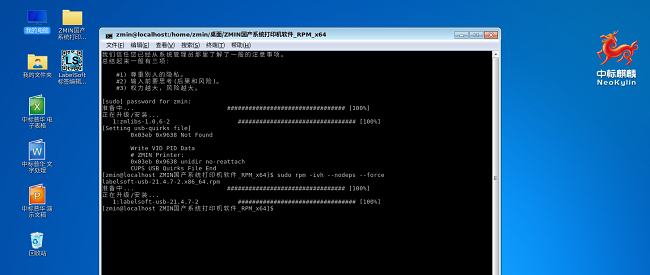
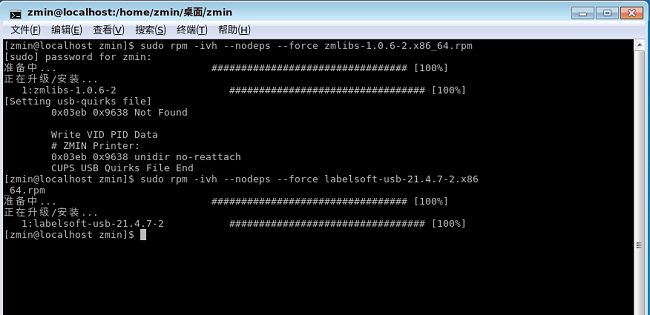
Step 1: Open Terminal and enter the command sudo rpm -ivh zmlibs-1.0.6-2.arm64.rpm
Step 2: Enter the command sudo rpm -ivh labelsoft-usb-21.4.7-2.arm64.rpm. A LabelSoft shortcut will be created on the desktop.
After installation, restart the printer, and you can open LabeSoft to edit and print.