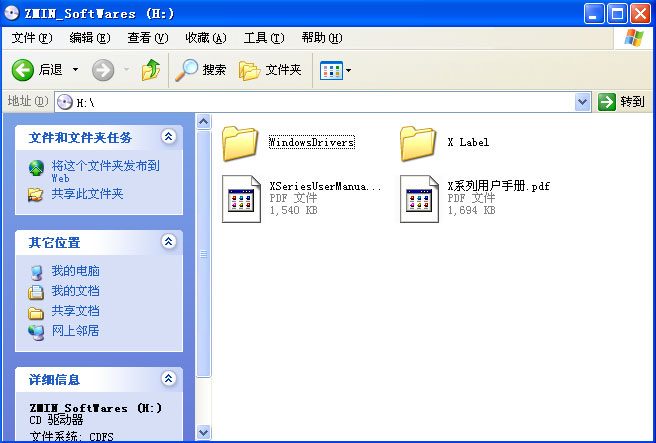
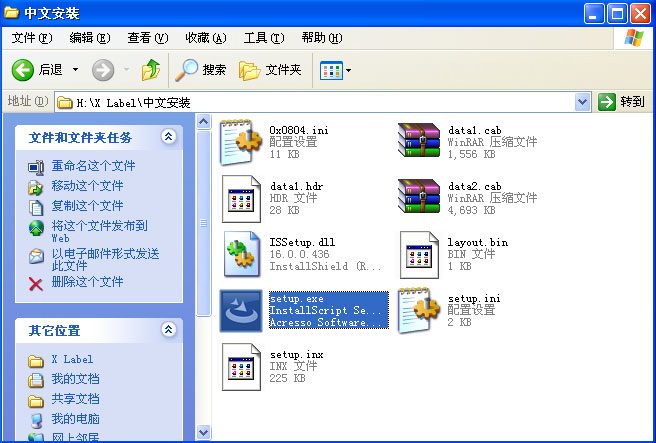
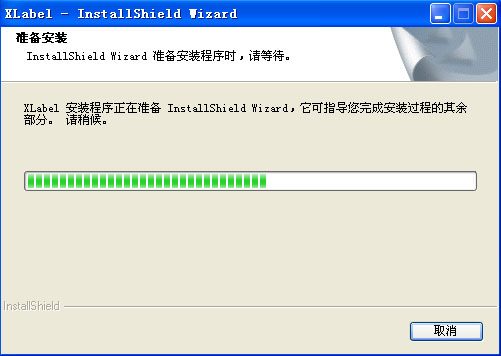
Put the CD supplied with the ZMIN barcode printer into the computer's optical drive, open the "X Label" directory -> "Chinese Installation", and double-click "Setup.exe" to run it.
Click "Next" and select the software installation directory; if no change is needed, just click "Next".
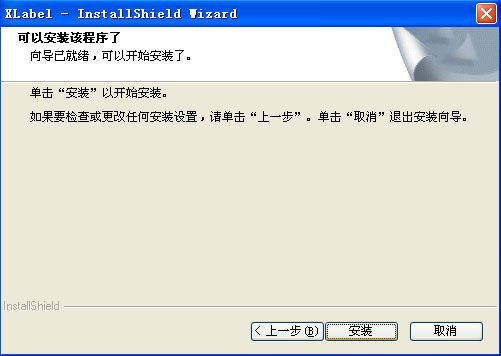
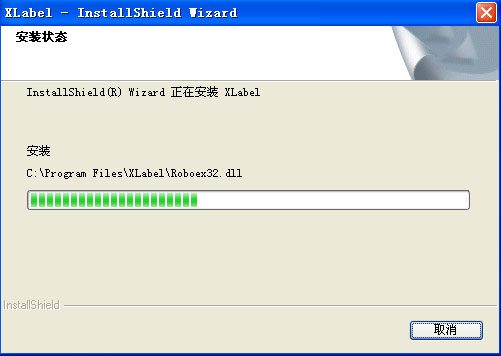
Click "Install" to start copying the program.
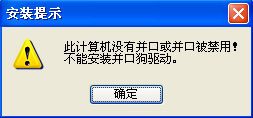
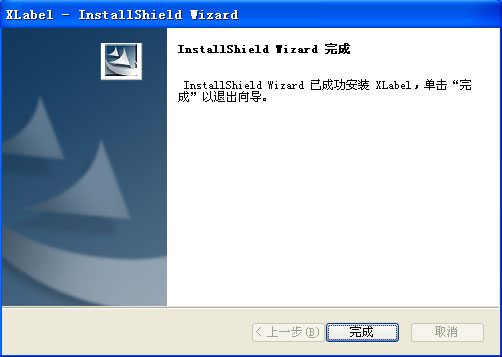
After copying is complete, a message will appear saying the parallel port dongle driver cannot be installed; ignore it, click "OK", and then complete the X Label software installation.
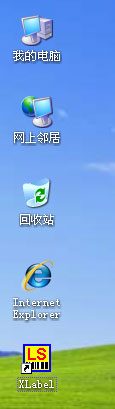
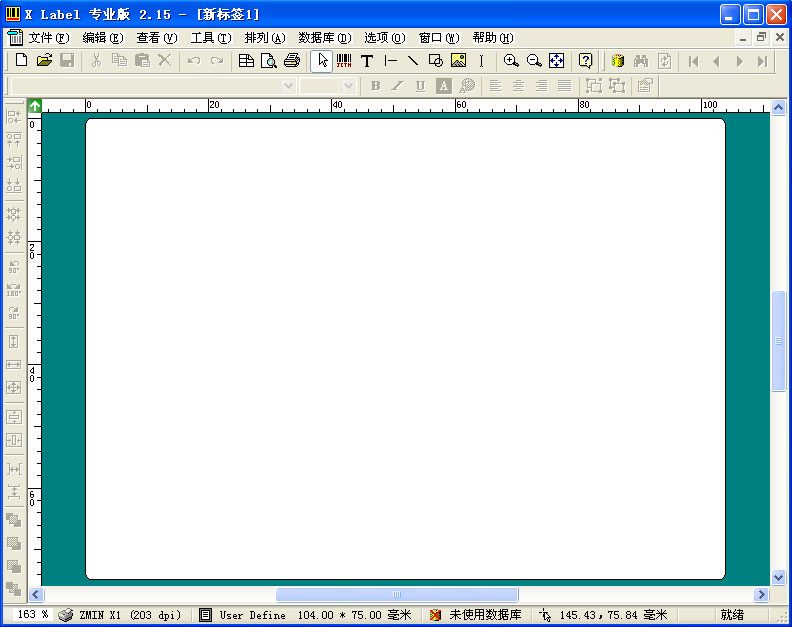
Click the "X Label" icon on the computer desktop to open the barcode editing software and start using it.