On some versions of Win7, using the XLabel label editing software often causes freezing, program unresponsiveness, or even automatic closing.
This is an incompatibility issue between XLabel and some Win7 systems. How to solve it?
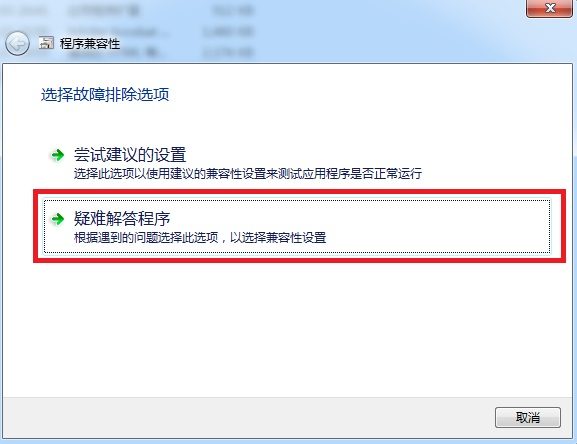
You can use the Win7 "Compatibility Troubleshooter" feature.
The specific process is as follows:
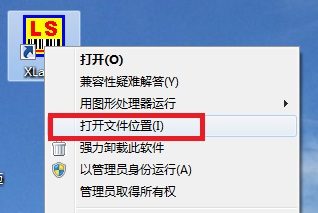
1. Right-click the XLabel icon on the desktop and select "Open file location".
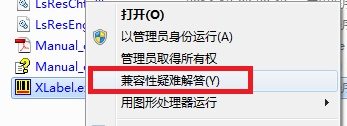
2. Right-click the application XLabel.exe and select "Troubleshoot compatibility".
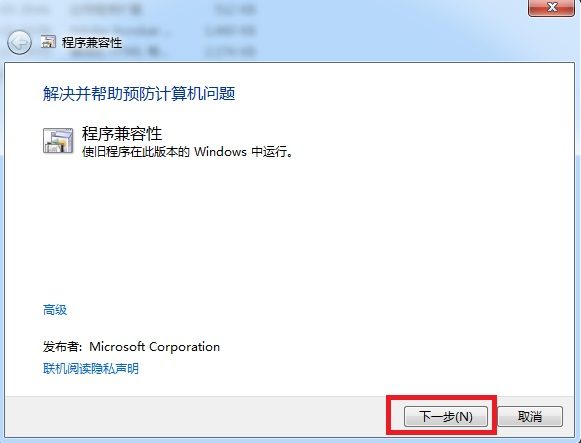
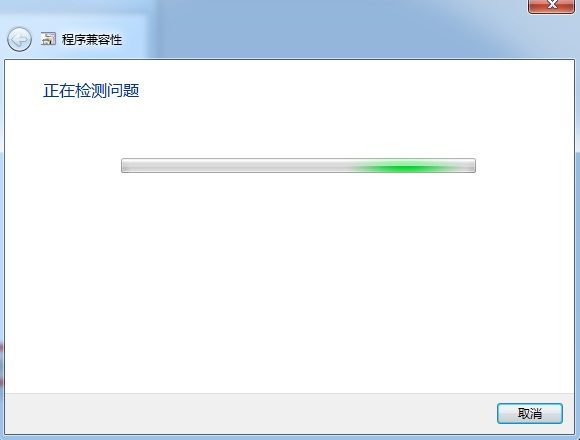
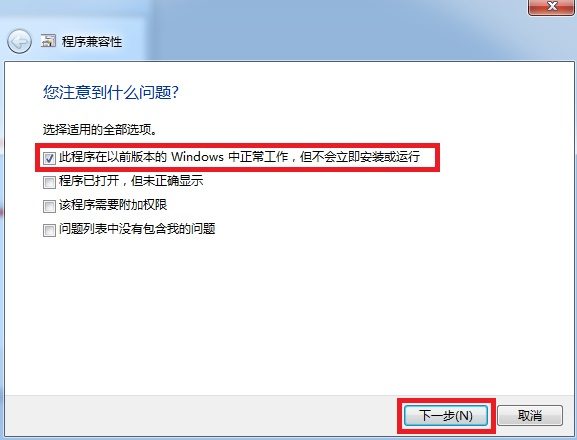
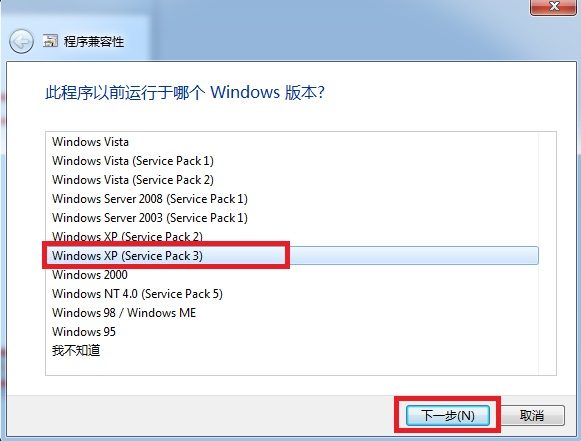
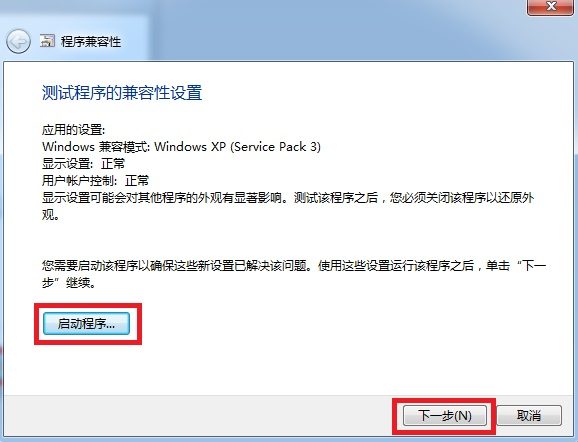
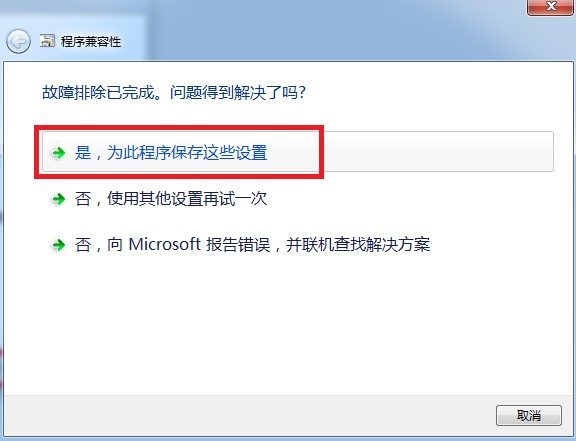
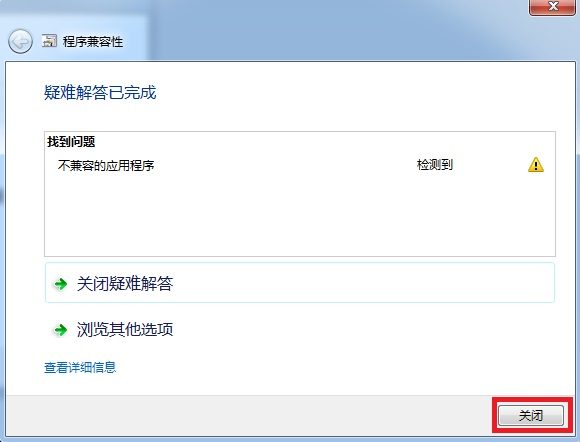
3. Follow the instructions shown below:
4. Run the XLabel barcode editing software normally and try again.