(Win7 is used as an example; XP operations are similar)
1. Click Start at the bottom left -> Devices and Printers
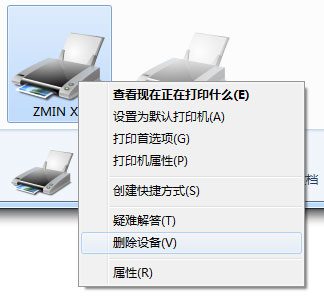
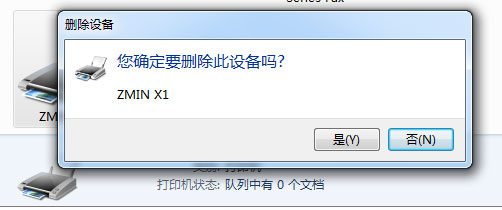
Right-click the printer icon and remove the device
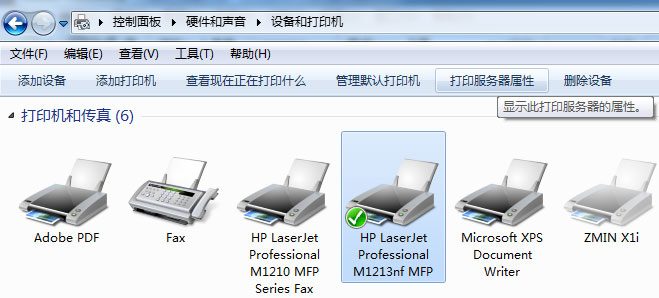
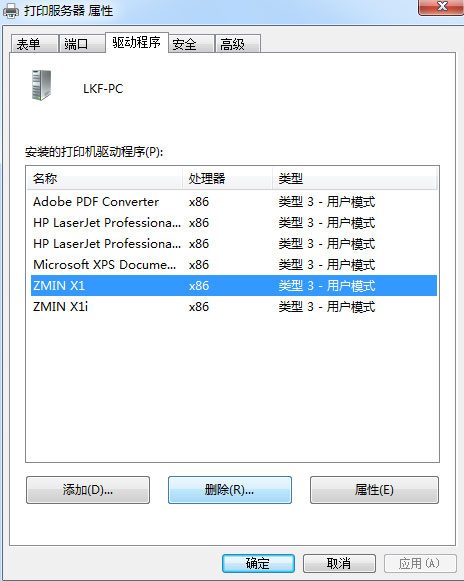
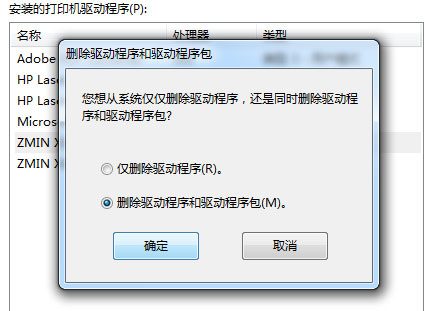
2. Select another printer icon, click Print Server Properties -> Drivers -> Delete, select Delete driver and driver package, and click OK
3. How to handle a driver that cannot be deleted
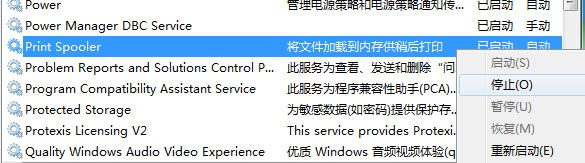
First stop the print spooler service, delete all files in the C:\Windows\System32\spool\PRINTERS directory, restart the print spooler service, and then perform step 2 again.