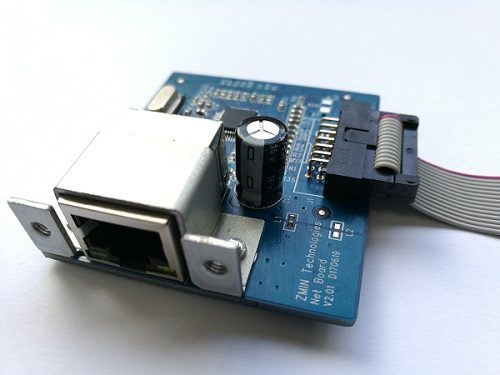
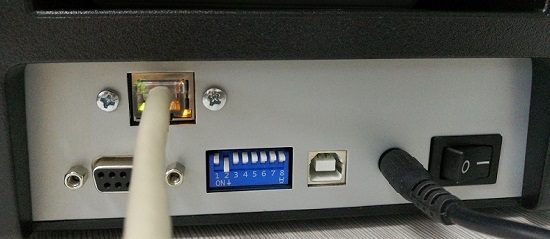
Since the release of the ZMIN barcode printer network card accessory, quite a few users have been using it.
If you print with label editing software or IE, etc., you can use it very easily by referring to our previous [Setup Document].
It is also very convenient if developers write their own programs.
First set the printer's IP address (using the ZMTool utility), then establish a Socket connection and send print commands.
The core code is as follows (C#):
IPAddress printerIp = IPAddress.Parse("192.168.8.180");//Convert the printer IP address string to an IPAddress instance int printerPort = 9100;//Port number, generally no need to change it IPEndPoint iep = new IPEndPoint(printerIp, printerPort);//Initialize an IPEndPoint instance with the specified IP and port number Socket socket = new Socket(AddressFamily.InterNetwork, SocketType.Stream, ProtocolType.Tcp);//Use the specified address family, socket type and protocol socket.ReceiveTimeout = 10000;//Set the timeout to 10 seconds socket.Connect(iep);//Establish a connection with the printer
byte[] commandbyte = System.Text.Encoding.Default.GetBytes("U\r\n");//Convert the print command string to a byte array socket.Send(commandbyte);//Send data
socket.Shutdown(SocketShutdown.Both); socket.Close();//Close the connection
After establishing a connection to the printer with a Socket, print using ZMIN printer commands; no driver installation is required, and it is supported on Windows, Linux, MacOS and Android.
Sample program download (C#):
/uploads/asset/cee428fdd4c2.rar