
News
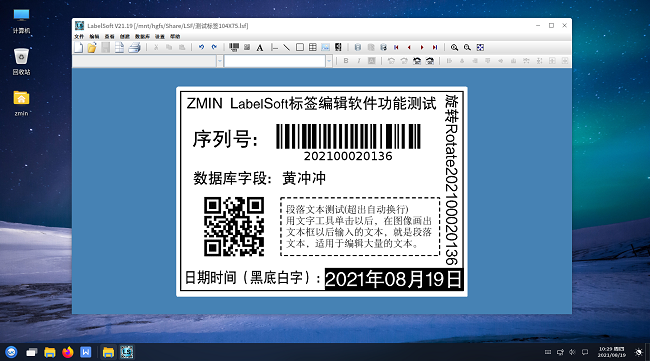
Barcode Printing Software for Domestic Operating Systems (Linux) Coming Soon
Through the unremitting efforts of the ZMIN Technologies software development team, LabelSoft (for Linux), the first domestic barcode label editing and printing software for domestic operating systems (Kylin/UOS, etc.), is about to be released. The software addresses the shortage of application software in current domestic operating systems and the difficulty of printing various barcode labels for office and production use. In LabelSoft (for Linux) label
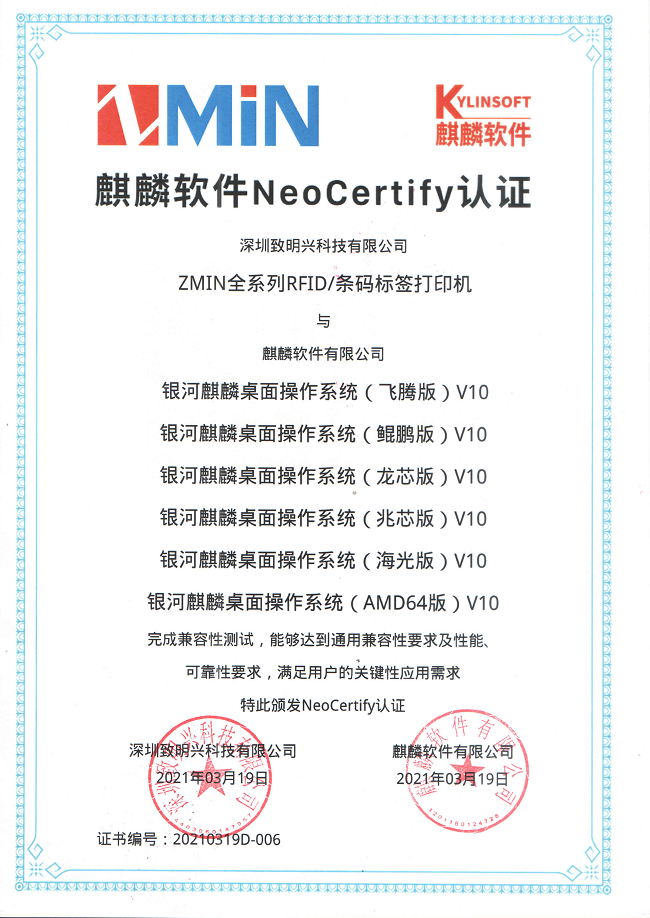
Full Range of Printers Obtains Domestic Kylin System Certification
In the past two years, domestic operating systems have been developing rapidly, and more and more users have begun to pay attention to the compatibility and adaptation of barcode printers with domestic operating systems. To better meet users' demand for localized system equipment, Shenzhen ZMIN Technologies Co., Ltd. (hereinafter referred to as 'ZMIN') has, since the second half of 2020, actively carried out adaptation certification work for its RFID label printers and barcode printers with domestic operating systems and application ecosystems. ZMIN's full range
2021 Spring Festival Holiday Notice
Dear partners and customers: As the traditional Chinese festival, the Spring Festival, approaches, ZMIN Technologies sincerely wishes you a happy New Year, abundant wealth, and a thriving business! Thank you for your strong support and trust in ZMIN Technologies over the past year. We hope to continue receiving your attention and support in the new year, and we will, as always, provide you with better products and services! The company's Spring Festival holiday period is: February 6 – 20, 2021
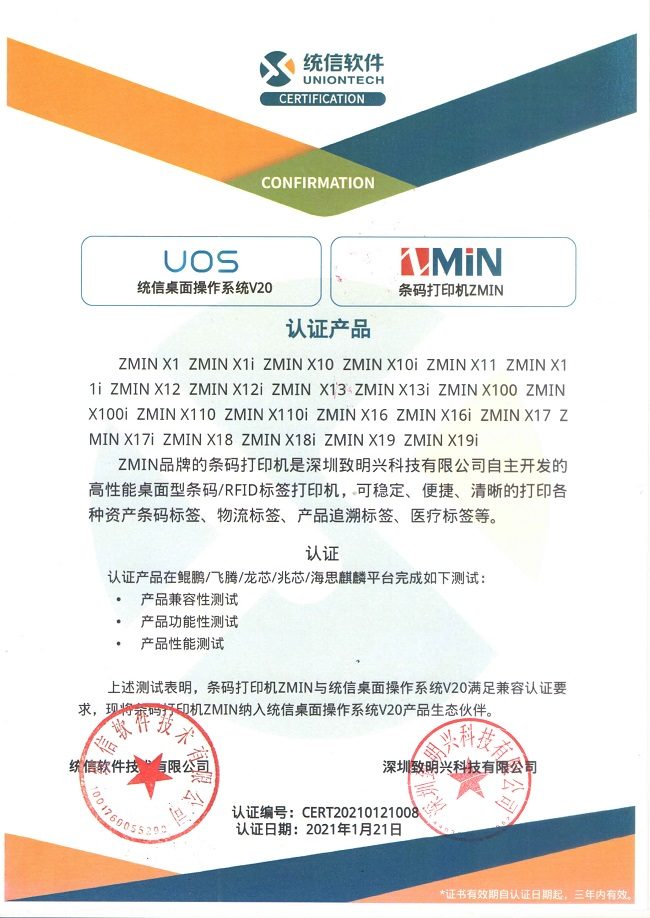
RFID/Barcode Printers Receive UOS Compatibility Certification
In early 2021, ZMIN's full range of RFID/barcode printers passed the product compatibility, functionality, and performance tests of the UOS Desktop Operating System V20 on Kunpeng, Loongson, Zhaoxin, Phytium, and HiSilicon Kirin platforms, meeting its compatibility and adaptation certification requirements, obtaining UOS intermediate/advanced certificates, and being included as a UOS Desktop Operating System V20 product ecosystem partner. ZMIN's full range of RFID/barcode printers that received UOS advanced certification
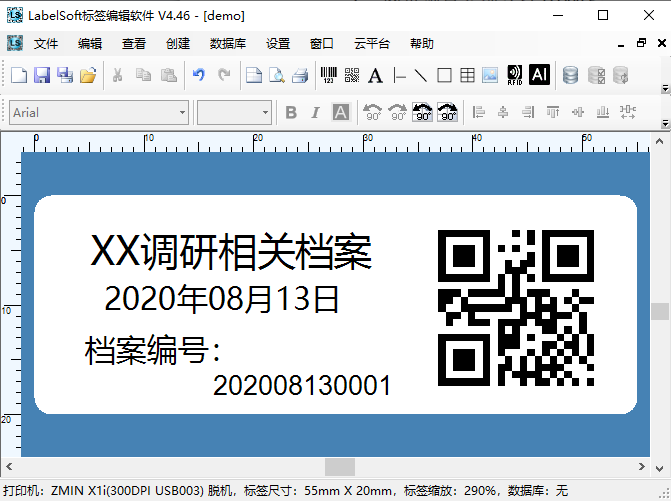
Calling LabelSoft from C# to Preview and Print Labels
.Net (C#) calling LabelSoft label editing software to preview and print barcode labels. .Net (C#) calling LabelSoft label editing software to preview and print barcode labels. No need to understand complicated DLL functions; calling LabelSoft software for label preview and printing is the simplest way to integrate barcode/RFID label printing into an existing system. Download sample source code: htt
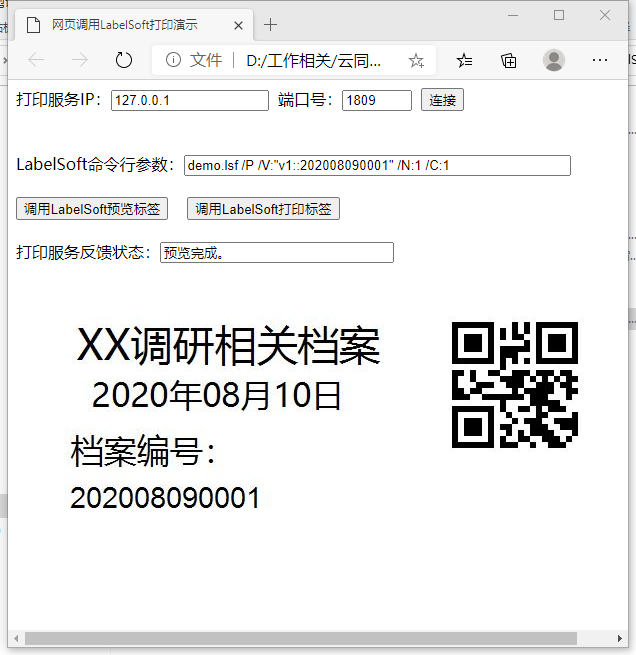
Calling LabelSoft from a Web Page to Print and Preview Labels
ZMIN web-based calling of LabelSoft label editing software to print and preview labels - a perfect solution for controlling printers to print labels in a B/S architecture. In system applications for barcode printers, the B/S model, i.e., Browser/Server architecture, is a commonly used approach. The usual method is to use an ActiveX control, i.e., an OCX control, which allows the IE browser to call like a DLL

2020 14th IOTE Internet of Things Exhibition - Shenzhen
Shenzhen ZMIN Technologies Co., Ltd. Shenzhen (Futian) Convention and Exhibition Center July 29-31, 2020 Booth: 1A181-2 We sincerely invite you to visit our booth for guidance!
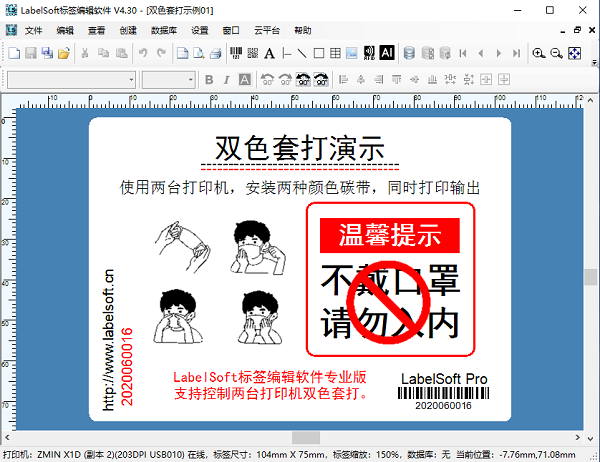
Two-Color Barcode Printing Software LabelSoft Pro
Two-color barcode printing software LabelSoft Pro demo. Two ZMIN barcode printers are combined for continuous printing: the first is loaded with a black ribbon, the second with a red ribbon. Using LabelSoft professional barcode editing software, two-color chemical labels, various warning labels, and more can be printed at low cost and with great convenience. The software's unique data control and synchronization technology enables continuous, stable output of various two-color labels in large batches. Supports data

2019 National Day Holiday Arrangement
National Day Holiday Arrangement Dear partners and customers, To celebrate the 70th anniversary of National Day, in accordance with the State Council regulations on statutory holidays and our company's actual situation, the 2019 National Day holiday arrangement is notified as follows: 1. National Day holiday: October 1 to October 7, 2019, 7 days in total. September 29 (Sunday) and October 12 (Saturday) are normal working days. 2. ZMIN Technologies wishes everyone smooth work,
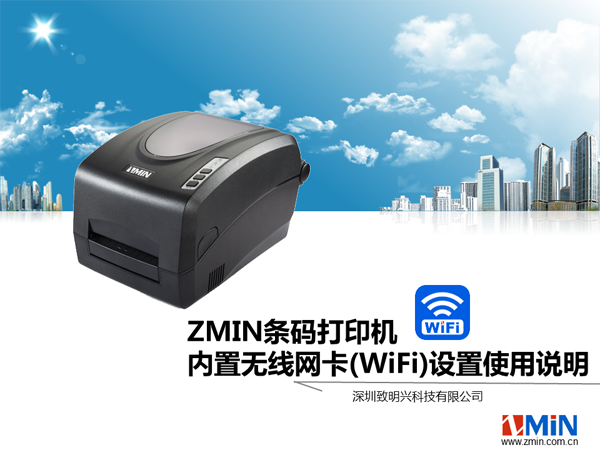
ZMIN Built-in Wireless Network Card (WiFi) Setup Instructions
ZMIN barcode printer built-in wireless network card (WiFi) setup and usage instructions I. Set the printer to AP (server) mode With the printer powered off, set DIP switch 6 to the down position (as shown below), then power on; after startup, the printer is in AP (server) mode. Note: A WiFi printer takes about 30 seconds to start. During startup, the paper and ribbon indicators flash simultaneously and the ready indicator stays on; after startup, all 3 indicators stay
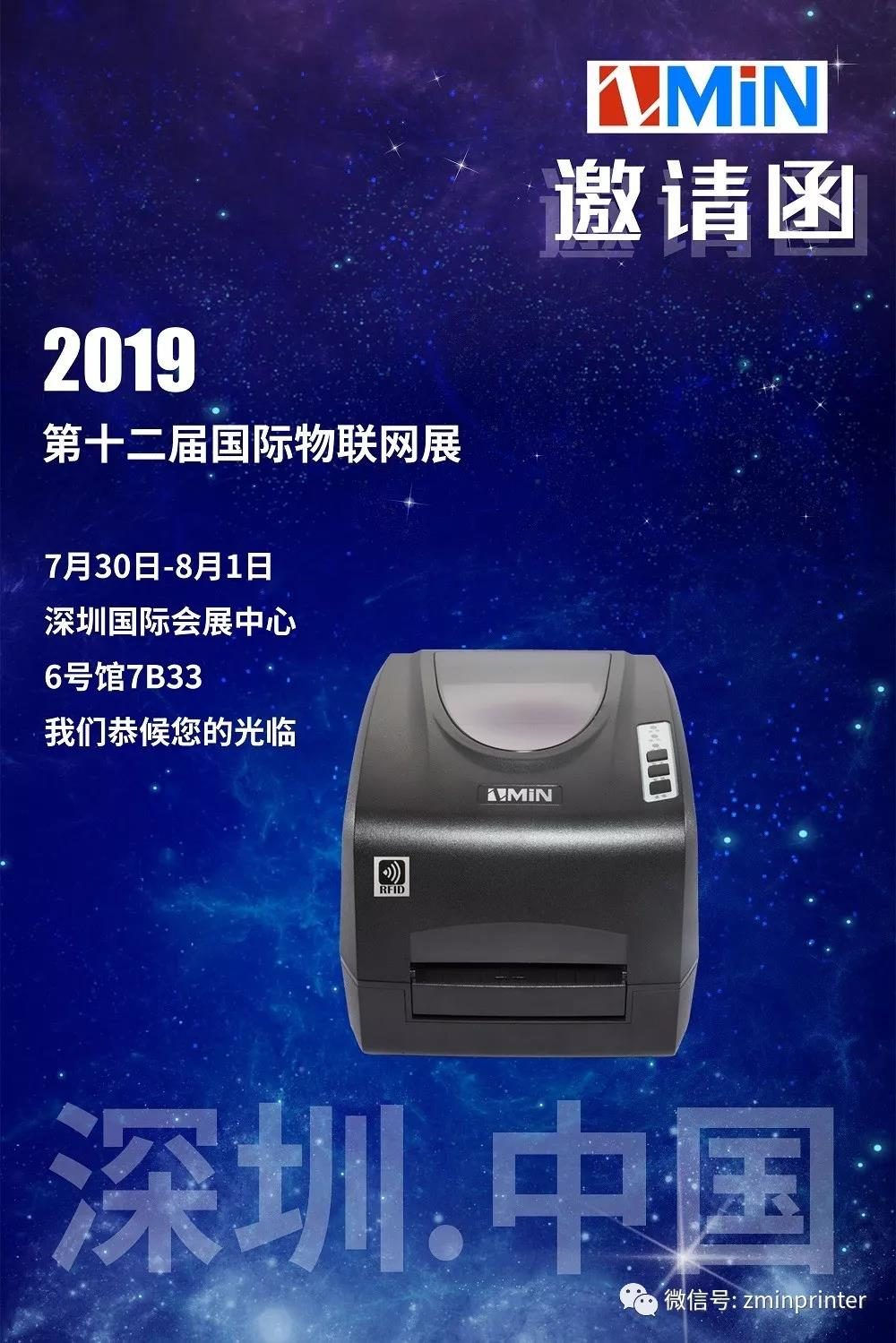
See You at the 12th International IoT Exhibition, Shenzhen!
------ July 30 to August 1 Shenzhen Convention and Exhibition Center (Fuhua 3rd Road) Hall 6, 7B33 (at Gate 3 entrance) RFID UHF and HF smart label printers and label editing software await your visit and experience.
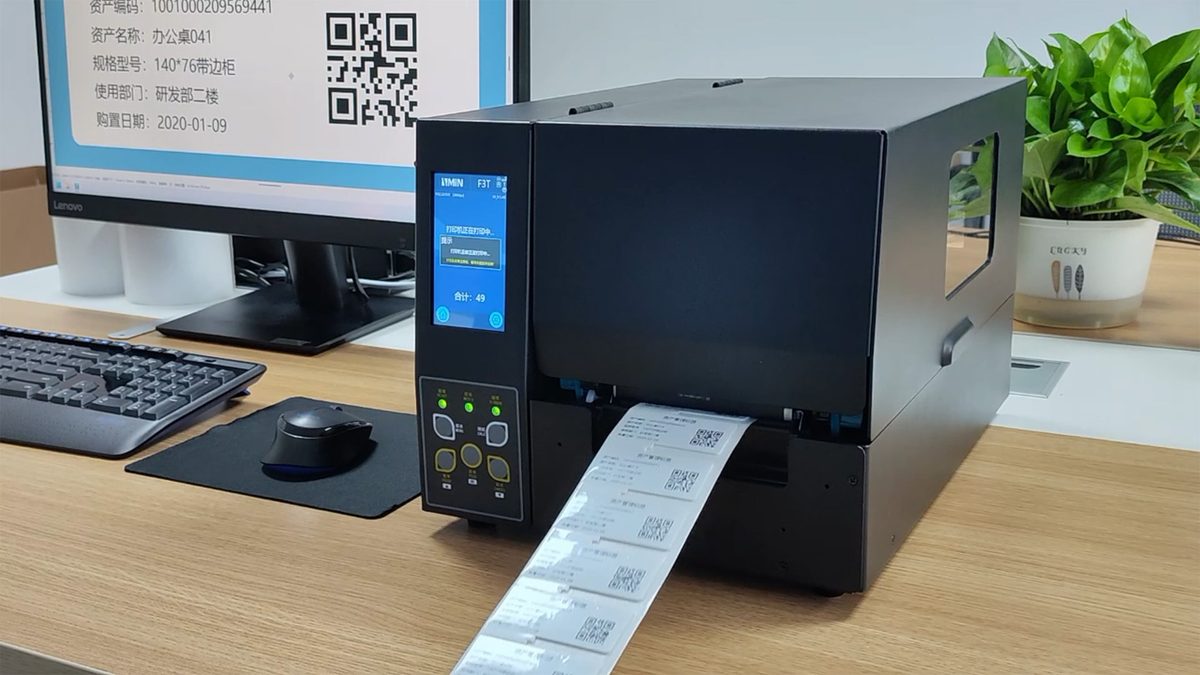
ZMIN RFID Printer Usage Steps
Download this document: http://zmin.com.cn/uploads/asset/17b965b06c09.pdf I. Installing the RFID label and ribbon 1. Place the RFID label into the paper compartment (1) Gather the label installation accessories (2) Clip the paper roll shaft sleeve onto the baffle (3) Pass the paper roll shaft through the label core, with the shaft sleeve facing inward (4) Push the baffles in from both sides to center the label, note that it should not